Set up your MAK SYNTH
Once the hardware is assembled, three steps get it making sound: download the files, flash the controller, and start the sound engine. Plan about 20 to 30 minutes the first time, mostly installing software.
Before you start
You need
- Your assembled MAK Synth controller and a USB cable.
- A computer running Windows or macOS.
Free software to install
- Arduino IDE to flash the controller.
- SuperCollider 3.14 or newer for the sound engine.
The steps to sound
Download the source files
Download
synthFiles.zipand unzip it somewhere you can find it. Inside you get two files:synthFile.ino(the controller firmware), in its ownsynthFilefolder, andsynthFile.scd(the sound engine).Flash the controller firmware
Open
synthFile.inofrom thesynthFilefolder in the Arduino IDE. Connect the controller with a USB cable, then choose your board and its port under the Tools menu. Click Upload. When the IDE shows "Done uploading," the controller is ready. The firmware runs at 115200 baud, which the sound engine already expects.Start the sound engine
Open
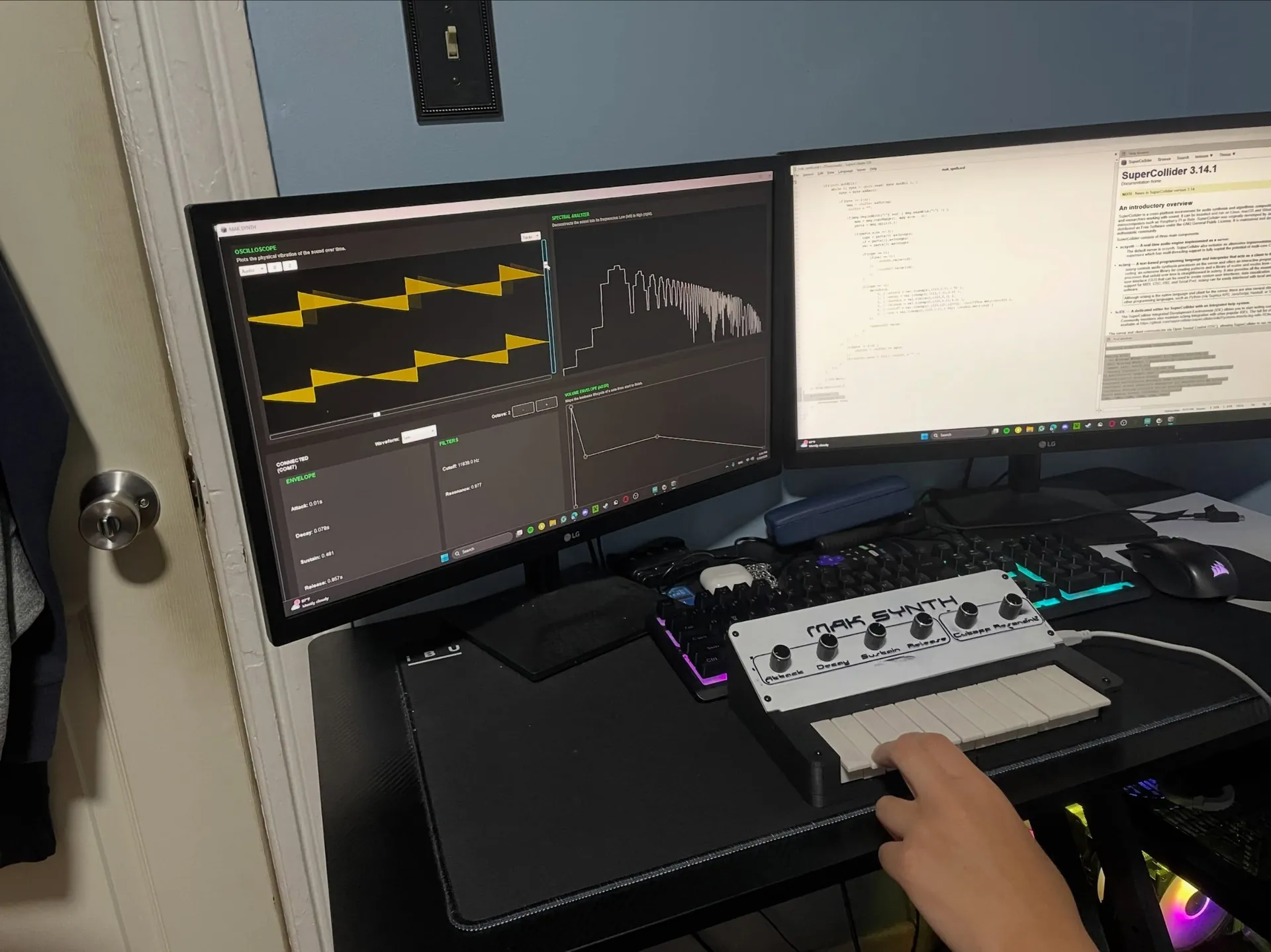
synthFile.scdin SuperCollider. Set the OS selector in the window to Windows or macOS so it looks for the right port, then run the whole block of code: click inside it and pressCtrl+Enter(orCmd+Enteron macOS). The audio server boots, a full-screen window opens, and the status reads CONNECTED once it finds your controller.Play and explore
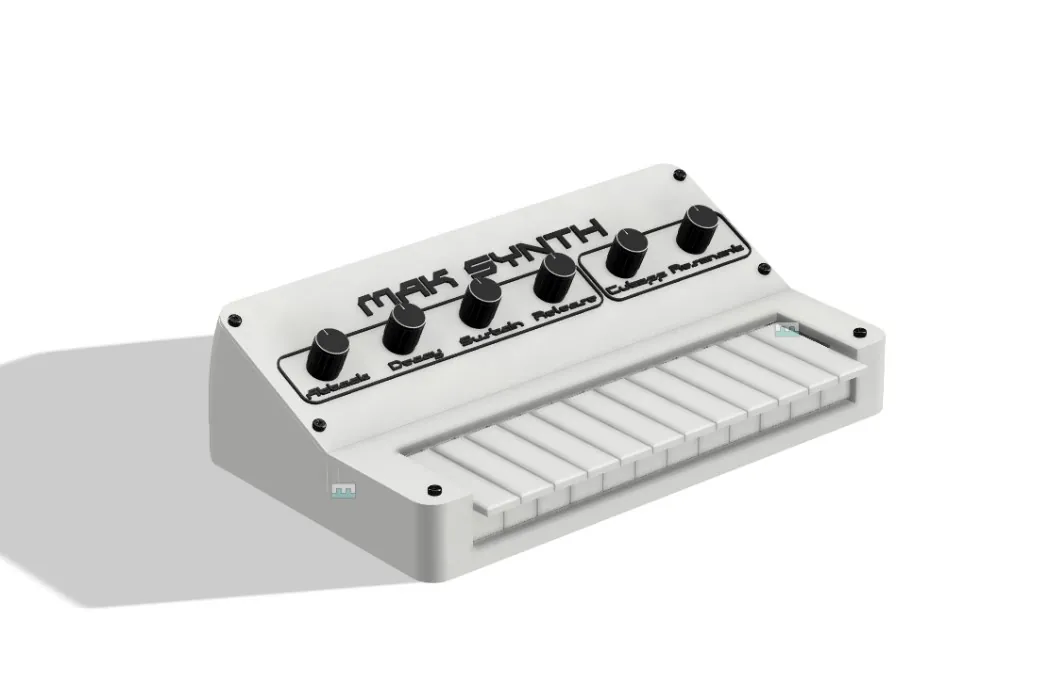
Press the keys to play notes and turn the knobs to shape the sound. The top row sets the waveform and octave. The four envelope knobs and two filter knobs change the sound as you move them, and the oscilloscope, spectral analyzer, and envelope graph update in real time.
If something is not working
- The status reads NO DEVICE
- Check that the controller is connected by USB and that the OS selector matches your computer. The engine looks for a COM port on Windows and a usbmodem or usbserial port on macOS, and it skips Bluetooth serial ports on Windows.
- There is no sound
- Make sure the audio server booted, which SuperCollider reports in its post window, and that your system output is not muted. A very low Sustain setting also makes held notes quiet, so try raising that knob.
- A note sticks or playback cuts out
- Unplugging the controller stops all notes. Reconnect it and run the file again to reinitialize the connection.